
The right-hand side of every contact page is the record of the relationship. What you learned on a call, the documents you collected and the emails you sent, all in one place, so a colleague picking up the contact sees the same story you do.
Add a note
- Open the contact.
- In the right-hand panel, open the Notes tab.
- Click Add Notes.
- Type what you learned: budget, timing, blockers.
- Click Save note.
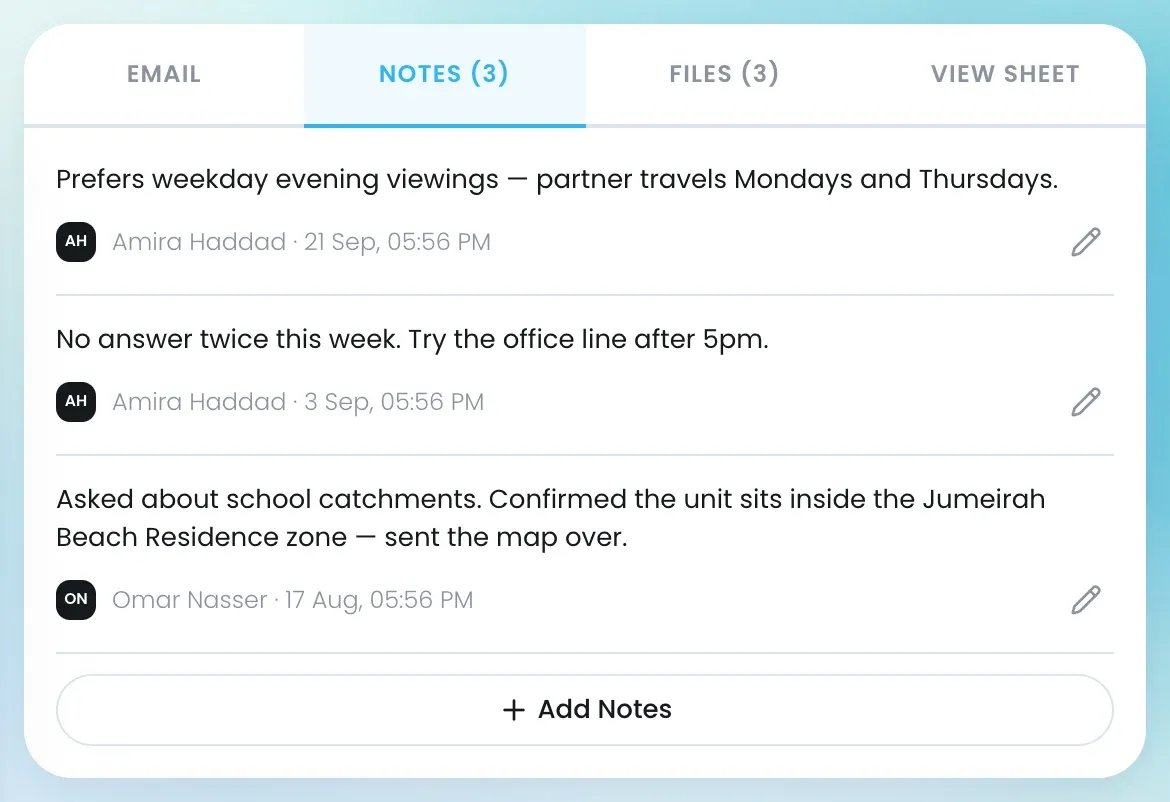
Notes show newest first, each with who wrote it and when. Click the pencil to edit a note.
Keep files on the contact
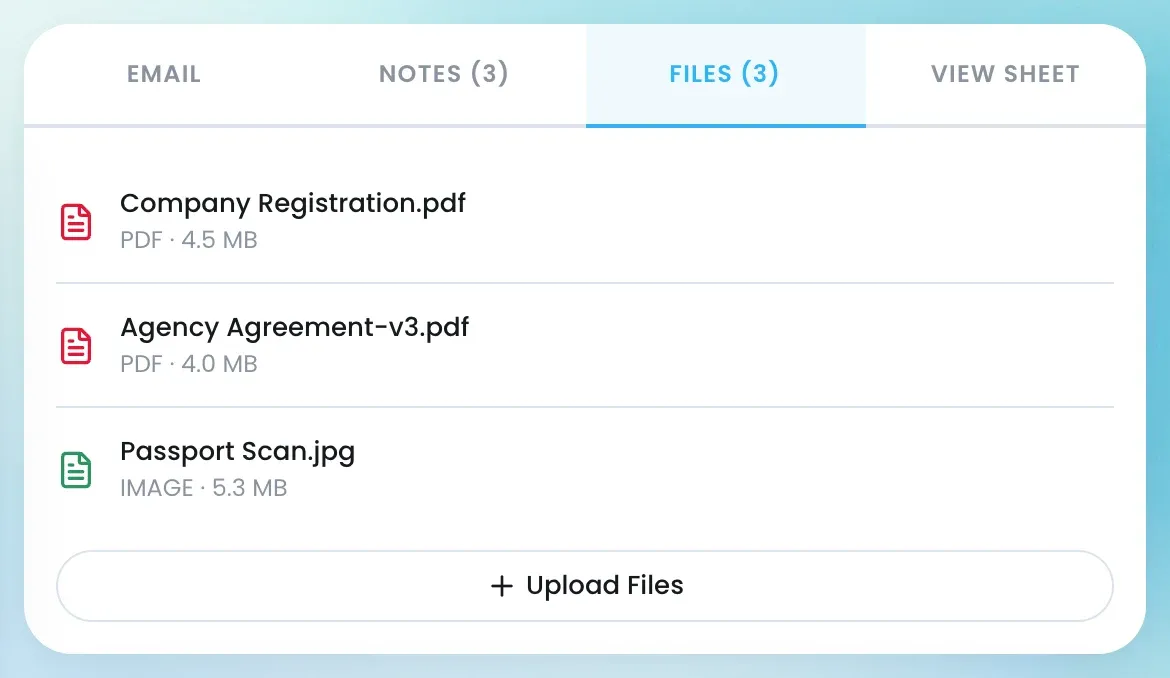
The Files tab lists agreements, ID scans, floor plans and anything else collected on the contact, each with its type and size. The Upload Files button is there for adding your own; in the current version it is not yet active.
Email a contact
Connect your Gmail or Outlook account first, under Settings → Email Settings.
- Open the contact and click Send Email.
- Fill in the Subject and Content, check Sent To, and add anyone under BCC.
- Under Attach Files, add up to 10 files, 5 MB each, if you need to.
- Send the email.
The Email tab on the contact lists the emails sent to them from Lukkio.
Viewings and deals
- Scheduled Viewing lists the contact’s viewings with their status and any feedback. See Schedule a viewing from a listing.
- Linked Deals, below, shows every deal this contact is part of and its stage.
Who can add what
| Access to the contact | Can read | Can add notes, files and emails |
|---|---|---|
| Owner or Editor | Yes | Yes |
| Viewer | Yes | No |
How a colleague gets each level is in Share a contact.