Studio makes the printed pieces, brochures, flyers and viewing sheets, from the data already in Lukkio. Pick a template, and the logo, agent line and listing details come from your agency and your listings. You edit words and pictures, not layouts.
Before you start
- The listings you want on the sheet exist in Lukkio, with photos.
- Your agency logo is set in Settings → Business Details.
Start a new sheet
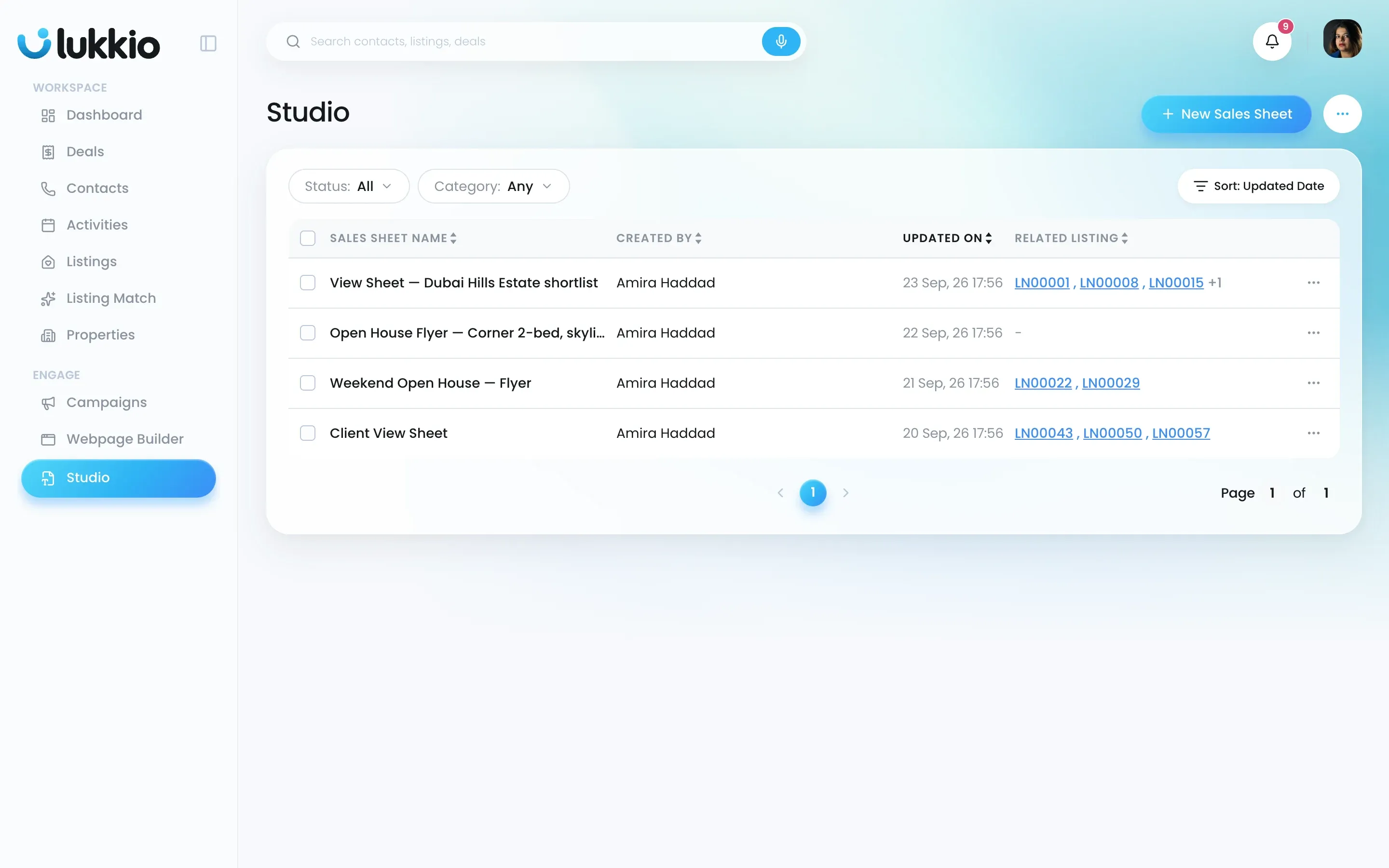
- Open Studio.
-
Click New Sales Sheet.
-
In New Sheet, search or scroll and click a template.
-
Click Create Sales Sheet.
Which template to pick
Every sheet starts from a ready-made template, such as 3 modern listings or 4 grid listings. It’s a finished design for one listing or a shortlist: you change the text, images, logo, listing and agent, and the layout stays as designed.
You can change templates later from the editor.
Edit the sheet
- Type a name in the Sheet Name field in the header.
- Click any text on the page and edit it in place.
- Click an image to replace it: JPG or PNG, up to 2 MB per file.
- Open Template on the left to switch to another design.
- Open Overall Properties on the right to set the font and text colour for the whole sheet.
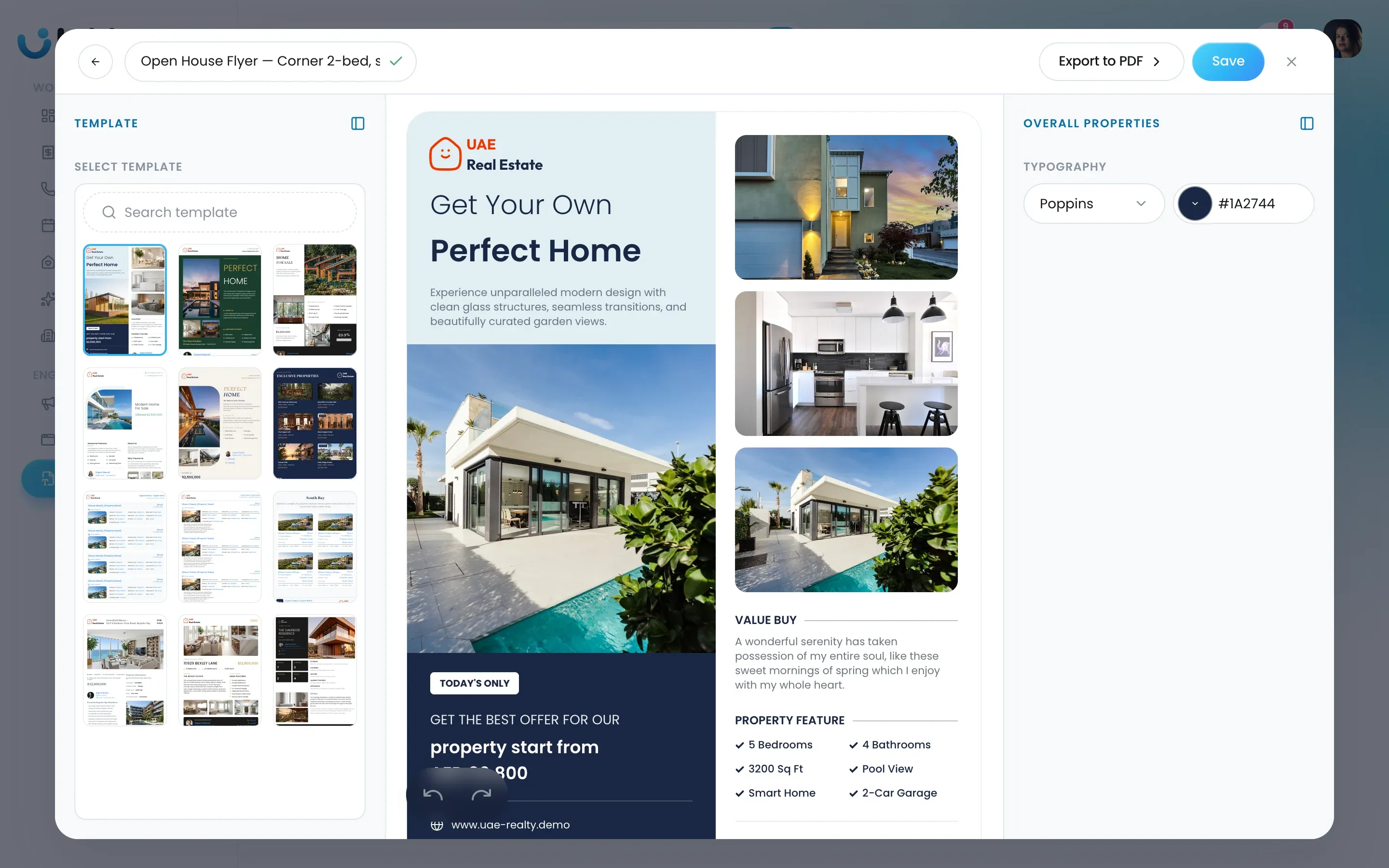
- Click Save.
After the first save, Lukkio confirms that the sheet has been saved and offers Back to Studio or Match Data & Export, which takes you straight to filling in the listing data.
Check what happened
The sheet is in the Studio list with its name, who created it and when it was last updated. Related Listing stays empty until you match listings to it. See Fill a sheet with listing data and export a PDF.
Click the row to reopen the editor.