
The dashboard is the first page after you sign in: your numbers for the month, your pipeline, today’s diary and what your team has been doing. The layout is the same for everyone. What changes is whose data it adds up.
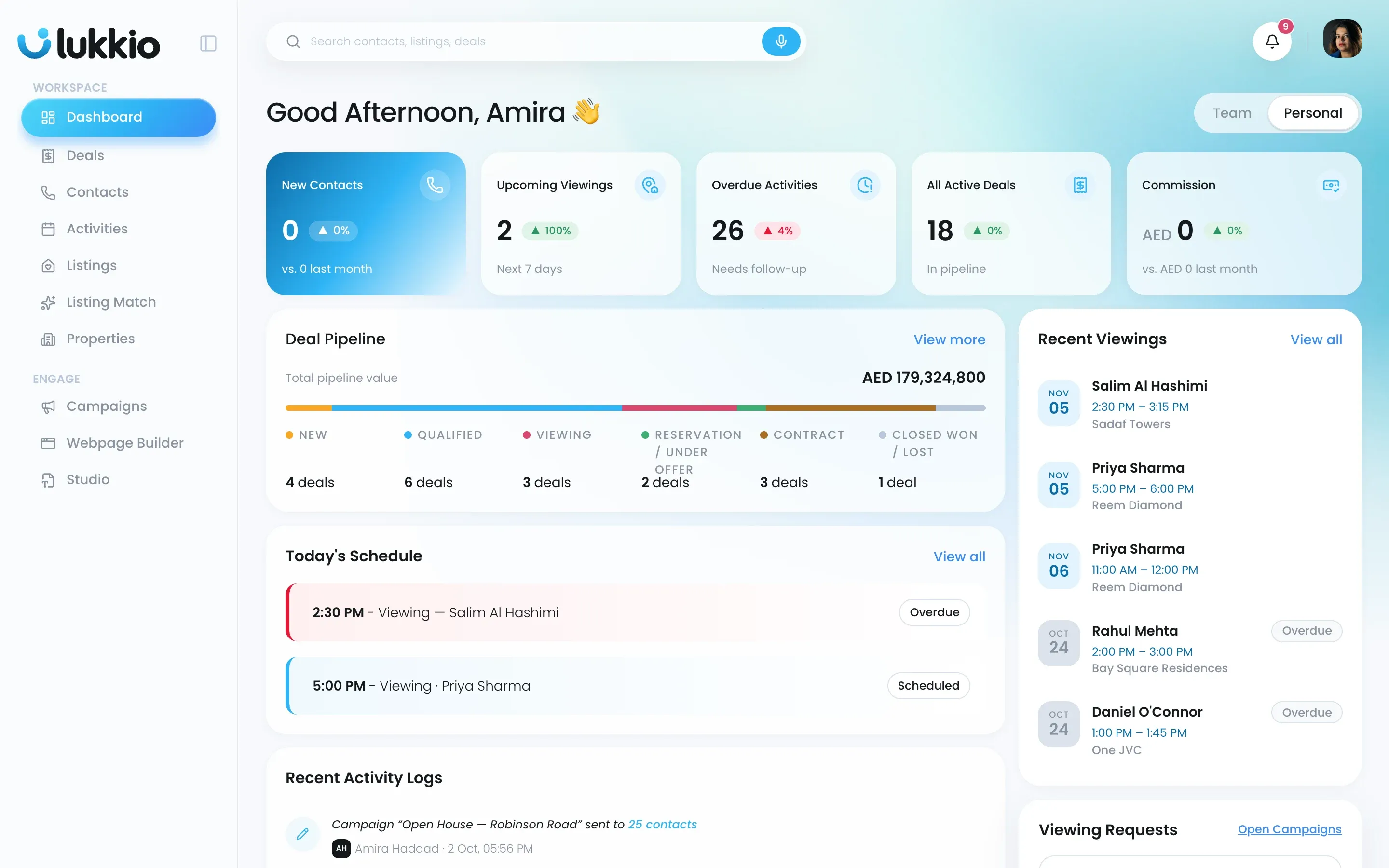
Personal or Team
The Team / Personal switch at the top right sets the scope for the whole page.
| Scope | Who has it | What it adds up |
|---|---|---|
| Personal | Everyone | Your own numbers, schedule and activity |
| Team, as a Team Lead | Team Leads | Every member of the teams you lead |
| Team, as a Super Admin | Super Admins | Every team and every user in the agency |
Team numbers follow current membership. Move someone into a team and their records count from that moment.
The five tiles

| Tile | What it counts |
|---|---|
| New Contacts | Contacts created this calendar month, with the change against last month |
| Upcoming Viewings | All viewings with status Scheduled |
| Overdue Activities | Activities that are overdue |
| All Active Deals | Deals in any stage before Close Won or Close Lost: New, Qualified, Viewing, Reserved, Contract |
| Commission | Commission on deals at Close Won, in your workspace currency |
Deal Pipeline
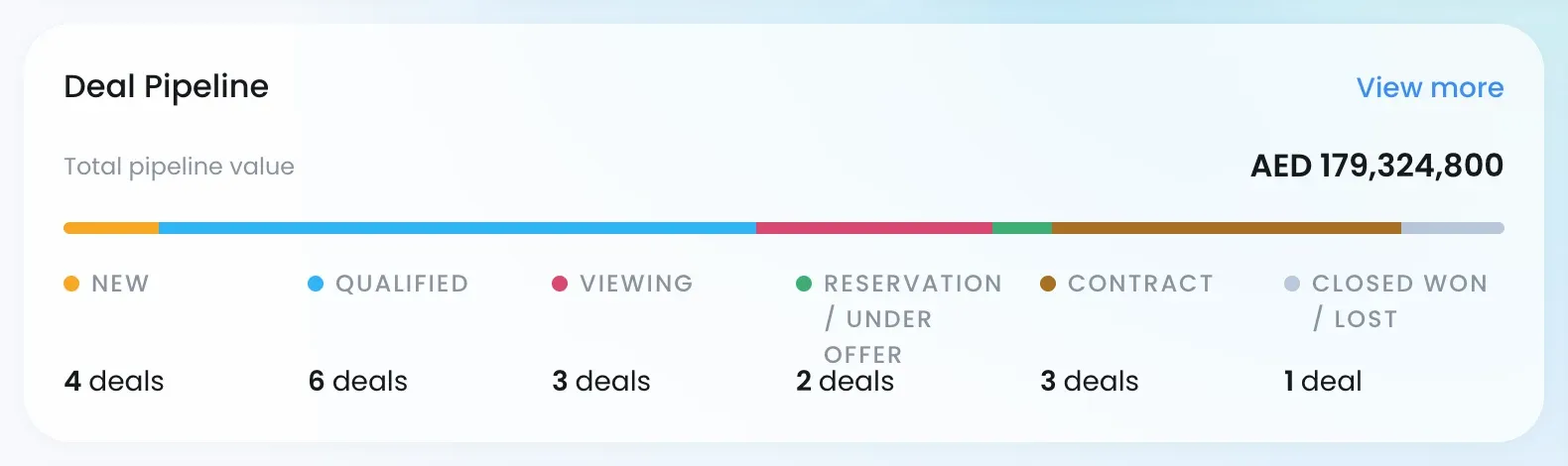
The card shows the total value of your open deals and how many sit in each stage: New, Qualified, Viewing, Reserved, Contract and Close Won / Close Lost. The bar shows how many deals sit in each stage. Stage names follow your agency’s setup in Settings → Deal Stages.
The Team view
Switch to Team and every card widens to the team. The tiles add up across your agents, Today’s Schedule becomes Team’s Schedule, and Recent Viewings and Recent Active Deals carry an Agent: line. A Super Admin’s Team view uses the same layout, with everyone’s numbers.
Where the numbers come from
- Tiles and pipeline count only records you’re allowed to see, so an agent with Own only visibility sees their own work. See Data visibility and “Request access”.
- View all on any card opens the module behind it.
- Commission per deal comes from the offer amount and the listing’s commission split. See How the commission estimate works.