
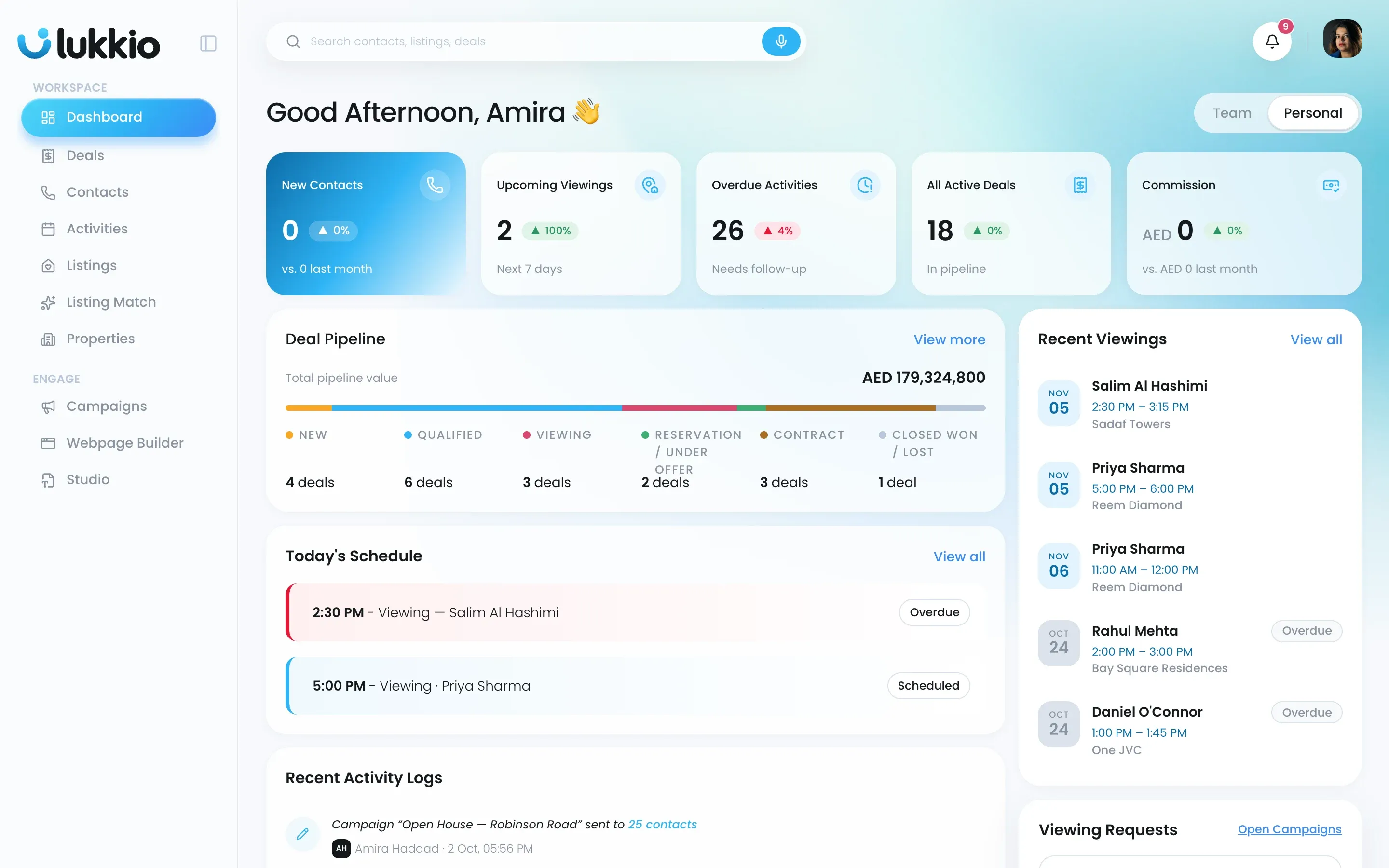
Lukkio is a CRM for property agencies. One workspace holds the listings you market, the buyers, tenants and landlords you talk to, the deals between them and the campaigns you send. Everything links to everything else, so a viewing booked from a listing shows on the contact, the deal and your dashboard at the same time.
The records
| Module | What it holds | Start here |
|---|---|---|
| Listings | What you market: a sale or rent listing with its price, photos, description and portal status. | Add your first listing |
| Properties | The building or unit behind a listing. A new development can generate every unit in one go. | Properties and listings: what’s the difference? |
| Contacts | Buyers, tenants, landlords and developers, each with the profile AI Match reads. | Add your first contact |
| Deals | One opportunity, from qualified to closed, with its offers and commission. | Move a deal through its stages |
| Activities | Calls, viewings and events, logged on the contact, listing and deal they belong to. | Log a call, viewing or event |
Listings and properties are shared with everyone in your agency. Who sees which contacts and deals depends on the role you’re given. See Data visibility and “Request access”.
How they connect
- You add a listing and a contact.
- Listing Match scores them against each other, both ways. The AI Match list shows the best pairs, and Manual Match folders hold your own shortlists. See How AI Match scores listings against contacts.
- You send a match as a campaign from Campaigns: an email, or a shared link the client opens without a login.
- The client asks for a viewing from that link. The request lands in Activities and on your dashboard.
- A viewing becomes a Deal. Move it through the stages to closed, then update the listing’s status.
Around the edges
- Dashboard rolls the numbers up for you, your team or the whole agency. See Read your dashboard: KPIs and pipeline.
- Settings holds your users, teams and roles, and your agency’s lists: locations, property types, amenities, contact roles and sources and deal stages. By default only Super Admins see the agency setup, though a custom role can be given the User, Role, Config and Billing permissions; everyone has My Profile and Login & Security. See Set up your agency’s lists and AI writing style.
- Studio (sales sheets and flyers) and Webpage Builder (landing pages) are part of Lukkio too.
Where to start
- Sign up and start your 14-day trial.
- Check your agency’s lists in Settings, so agents pick from the right locations and property types.
- Add your team and give each person a role.
- Add a listing and a contact.