
Closing is the last stage change a deal makes. Won or lost, the deal stays on the record with its offers, notes and files. What changes is what Lukkio works out from it.
Two ways to close
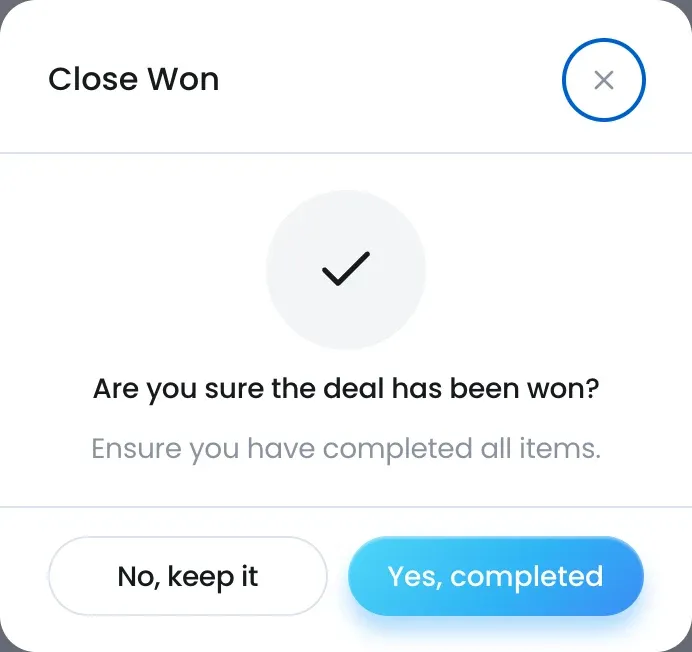
- Close Won: on the deal, Update Stage → Close Won, or drag the card into the last column of the kanban board. Confirm the close.
- Close Lost: Update Stage → Close Lost, or Close Lost on an offer row. Choose who cancelled under Cancel by, give a Lost reason, then confirm with Yes, cancel now. The reason is required.
When a deal is won
- The badge reads Close Won, the Close cell in the stage strip gets today’s date, and Days in stage starts again.
- The commission is fixed on the deal: the deal’s offer amount times the listing’s commission split. The Commission Estimate card’s Status turns to Closed. See How the commission estimate works.
- The Commission tile on the dashboard counts the deal.
- On the kanban board the card moves into the collapsed closed column. In the table, filter Stage to see it.
- On the contact’s other deals, Linked Deals shows it as “Sold AED 7.5M · Closed Sep 2026”.
When a deal is lost
- A line under the header reads “Lost · cancelled by Client”, followed by your reason.
- No commission is booked and the card’s Status reads Lost.
The listing
Closing a deal does not change the listing’s status. Update it yourself, for example to Sold or Leased. The listing’s primary agent, their Team Lead or a Super Admin can change it. See Track unit availability, size and pricing.