
One person signs up for the whole agency. That person becomes the workspace’s first Super Admin and adds everyone else afterwards. The sign-up takes about five minutes, and your 14-day free trial starts as soon as it is done.
Before you start
- A work email you can open now. Lukkio sends a verification link to it.
- Your business name. It becomes the workspace name and the start of your workspace URL.
- Your market: the country your agency operates in. It sets the currency, timezone and area unit for everyone.
Create your account
- Open the sign-up page from Start free on the website.
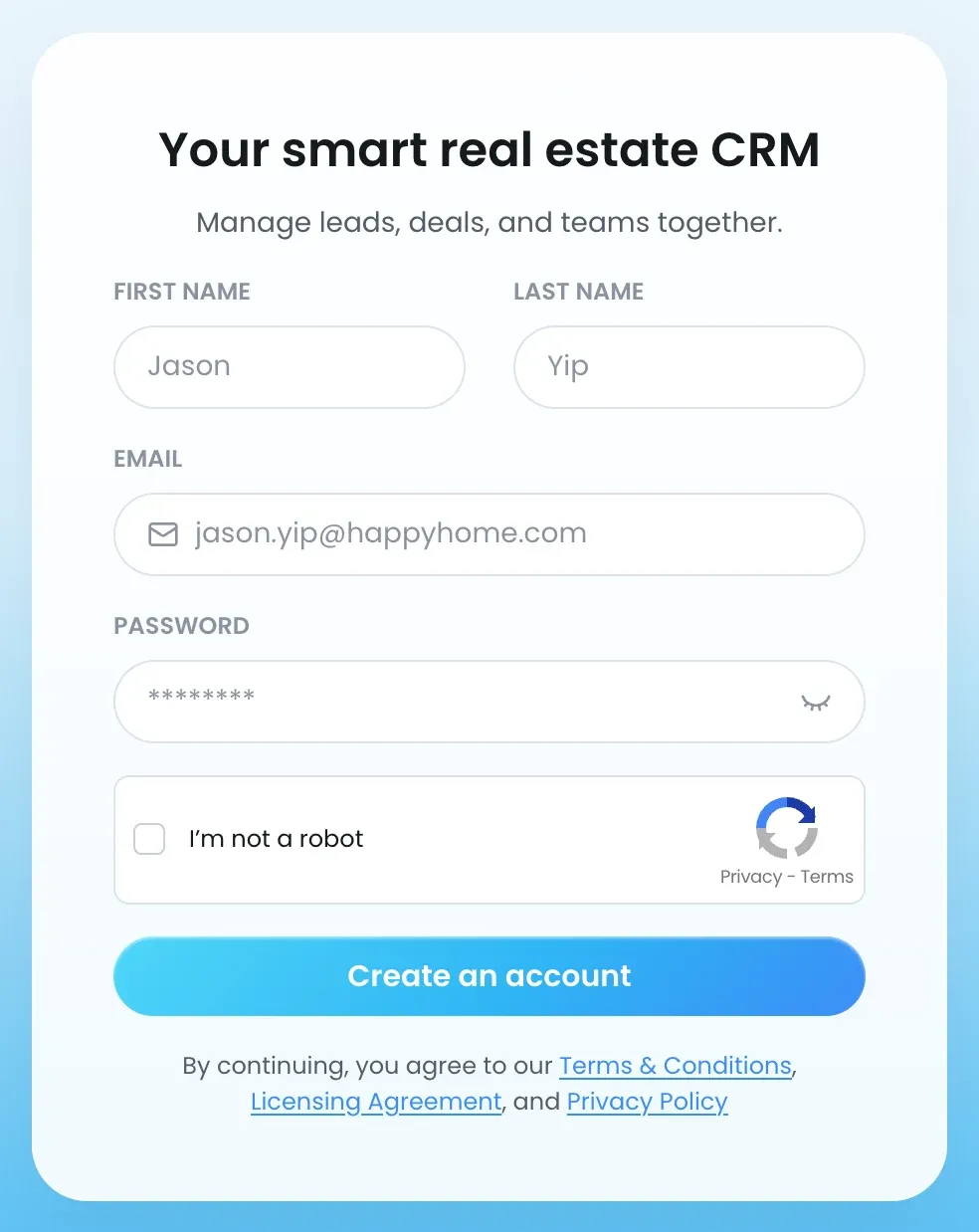
- Enter your First Name, Last Name, Email and a Password.
- Tick I’m not a robot.
- Click Create an account.
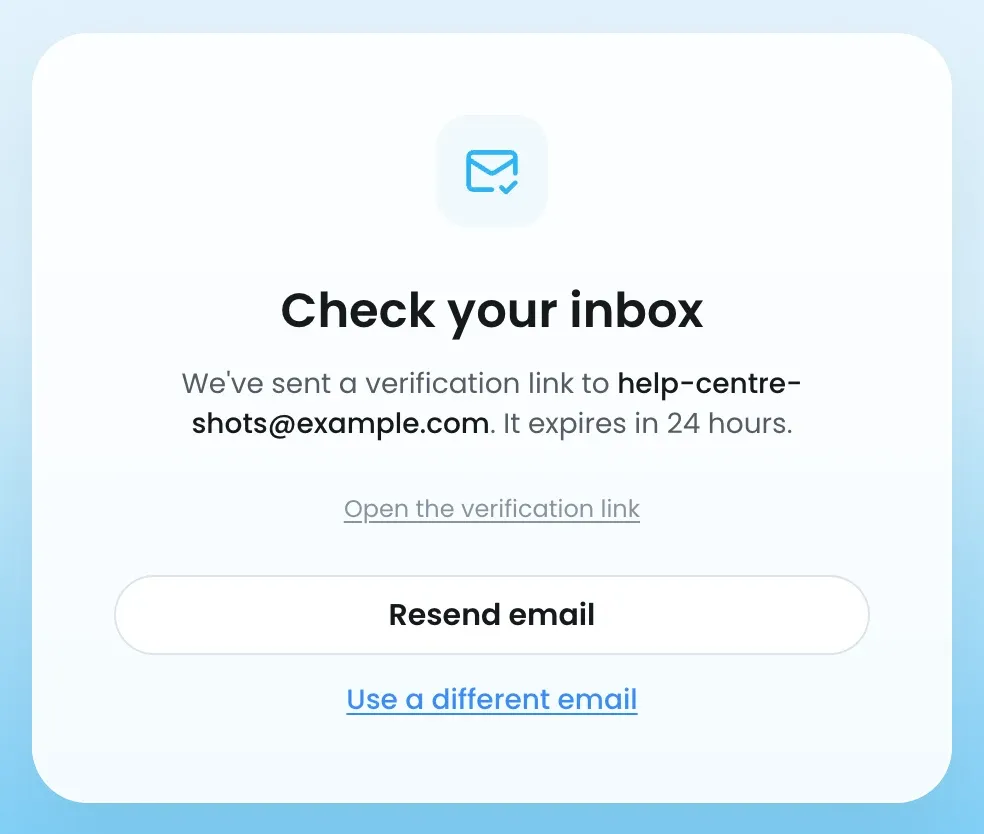
- Open the email from Lukkio and click the verification link. It expires in 24 hours and works once. If it doesn’t arrive, click Resend verification email on the Check your inbox screen. You can resend once a minute, up to 5 times an hour.
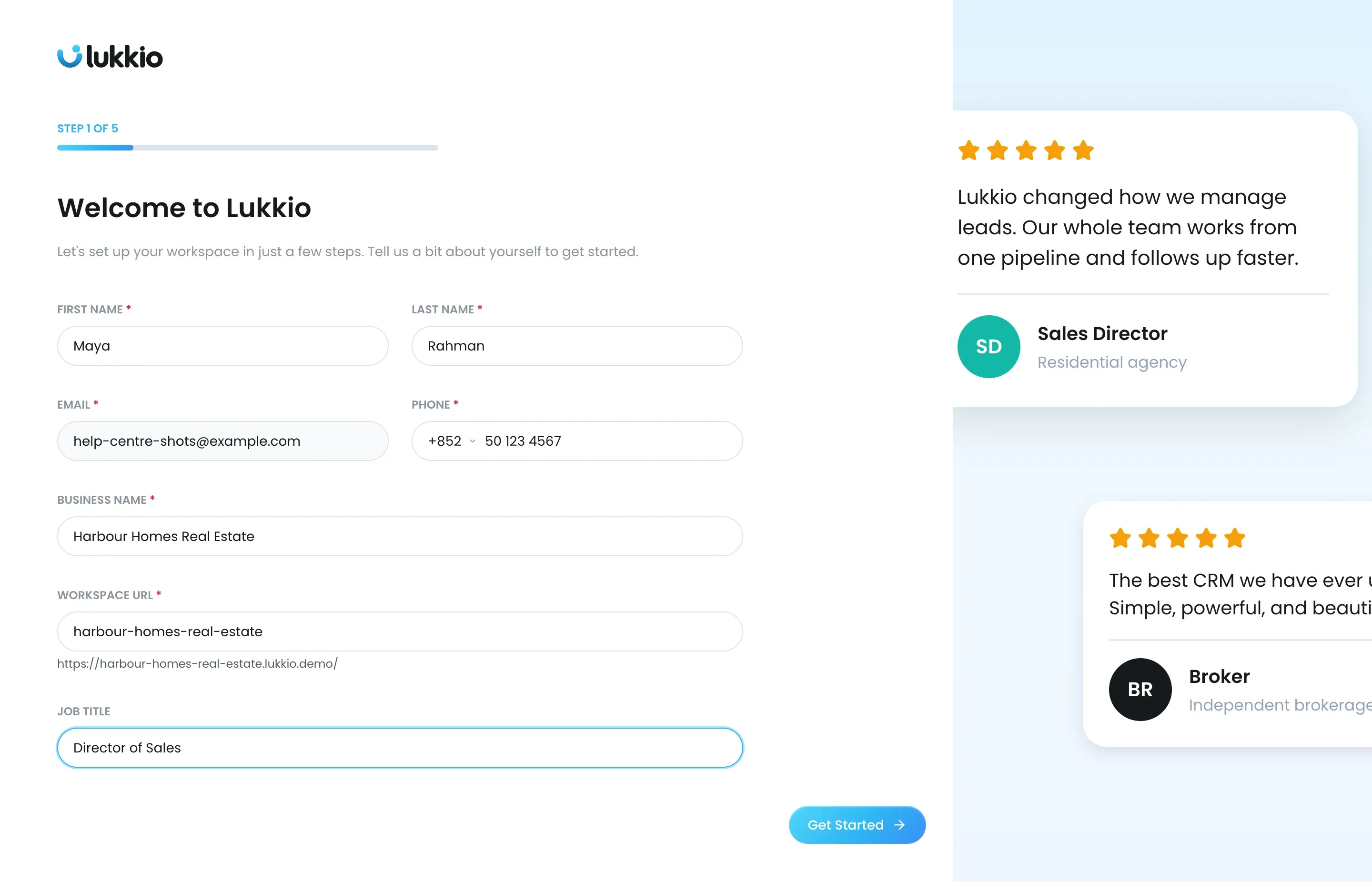
Welcome to Lukkio
- Check your name and add your Phone with its dial code.
- Enter your Business Name. Lukkio suggests a Workspace URL from it; edit the URL if you like. If it’s taken, click the alternative Lukkio suggests.
- Add your Job Title if you want it on your profile.
- Click Get Started.
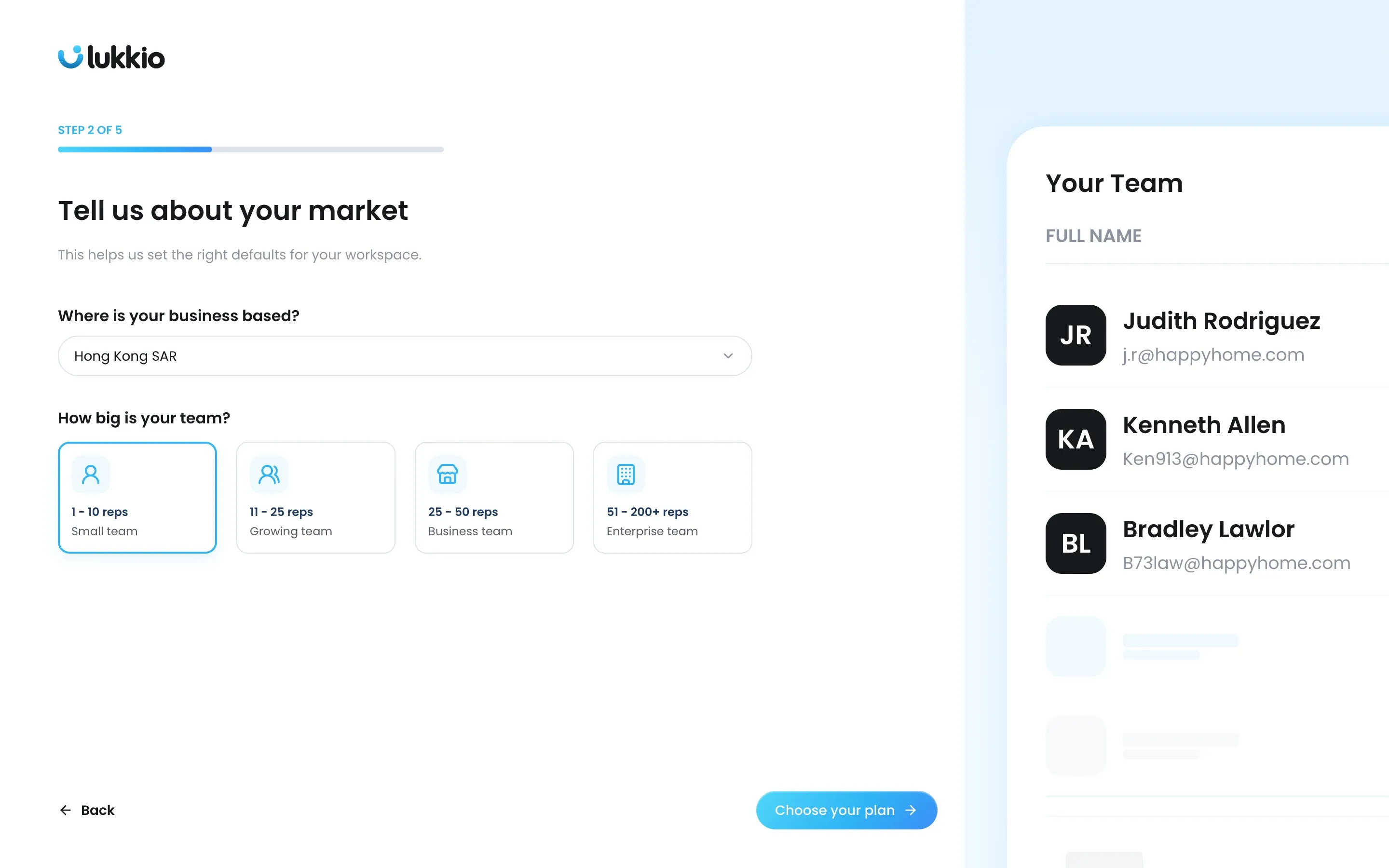
Tell us about your market
- Choose Where is your business based?
- Pick your team size. 1 - 10 reps is selected for you.
- Click Choose your plan.
Choose your plan
- Pick the Yearly Plan or the Monthly Plan. The Yearly Plan is selected for you, and every seat shares the cycle you choose.
- Under How many seats do you need?, set the number with the + and − buttons. You need at least one seat.
- Check Total after 14-day free trial in the panel on the right.
- Go on to Complete your order.
Seats can be reassigned to anyone later in Settings → Users & Teams. Plans and current prices are on the pricing page.
Complete your order
- Under Billing address, enter your First name, Last name, Address 1, City, ZIP code or P.O. box and Phone. Country is set to your market; Address 2 and State or province are optional.
- Under Payment information, enter your Card number, Expiry date (MM/YY), CVV and Cardholder name.
- Check the order summary. It shows the amount and date of your first charge.
- Click Start 14-day free trial. The card is checked but not charged.
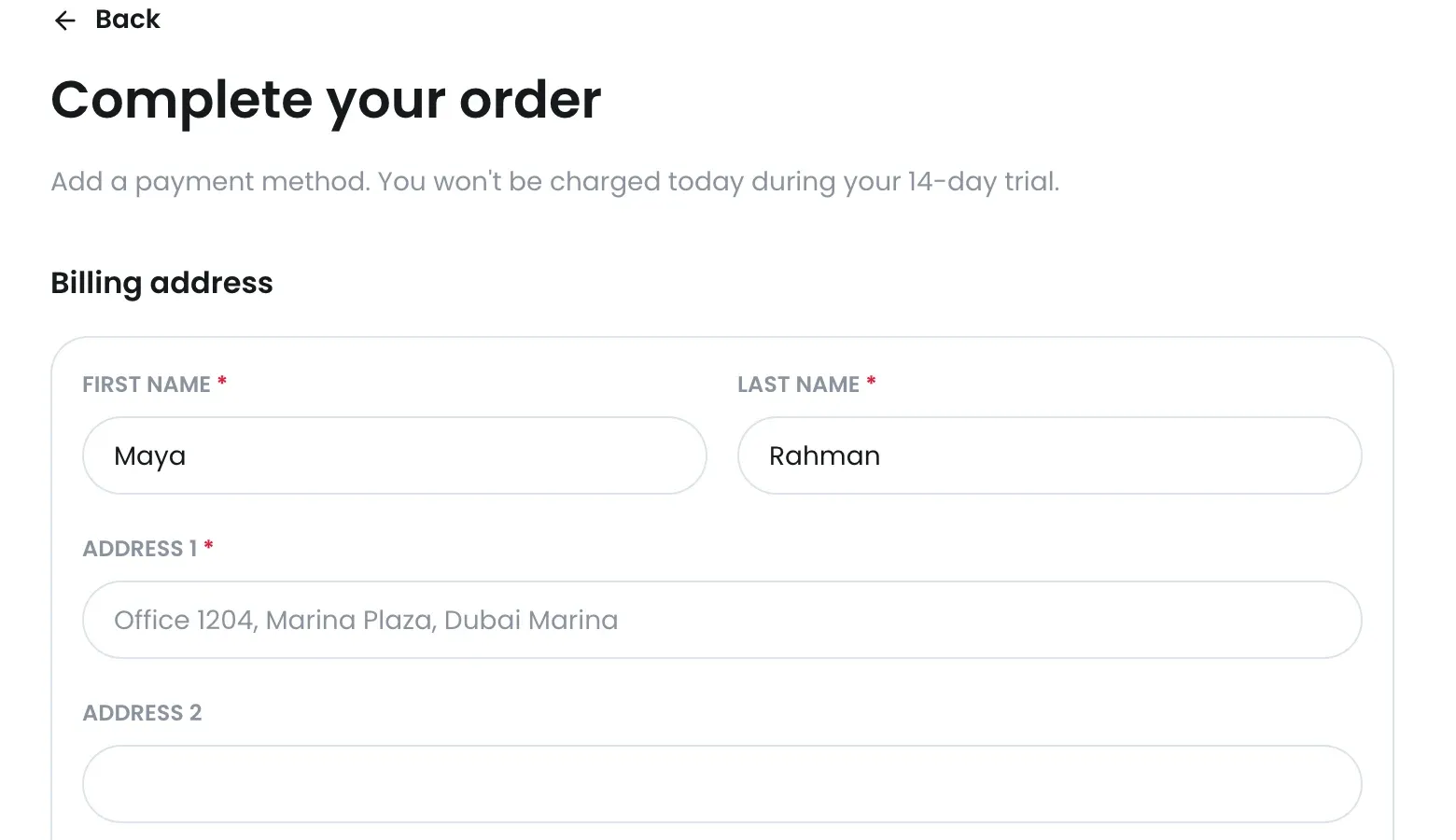
If the card is declined or needs 3D Secure, you stay on this screen and see the reason. No workspace is created until the card check succeeds.
You’re all set!
Your workspace exists from this point. The screen says “Your workspace is ready and your 14-day free trial has started.” It shows your contact details, business name, market, seats and plan (with the date your trial ends), plus shortcuts into Listings, Contacts, Activities, Deals, AI Match and Campaign. Lukkio also emails you Your 14-day free trial has started. Click Go to my workspace to open your dashboard. This screen appears once, only for the person who signs the agency up.
- The dashboard opens with the Get Started with Lukkio checklist: create a listing, add a property, add a contact, match, send a campaign, set up a deal and schedule a viewing.
- Your name, email and phone are copied into Settings → My Profile and Business Details. Change them there any time.
- Your seats are waiting. Add your team next, then check your agency’s lists in Settings.
- For how the 14 days are counted and what happens when they end, see How the free trial works.